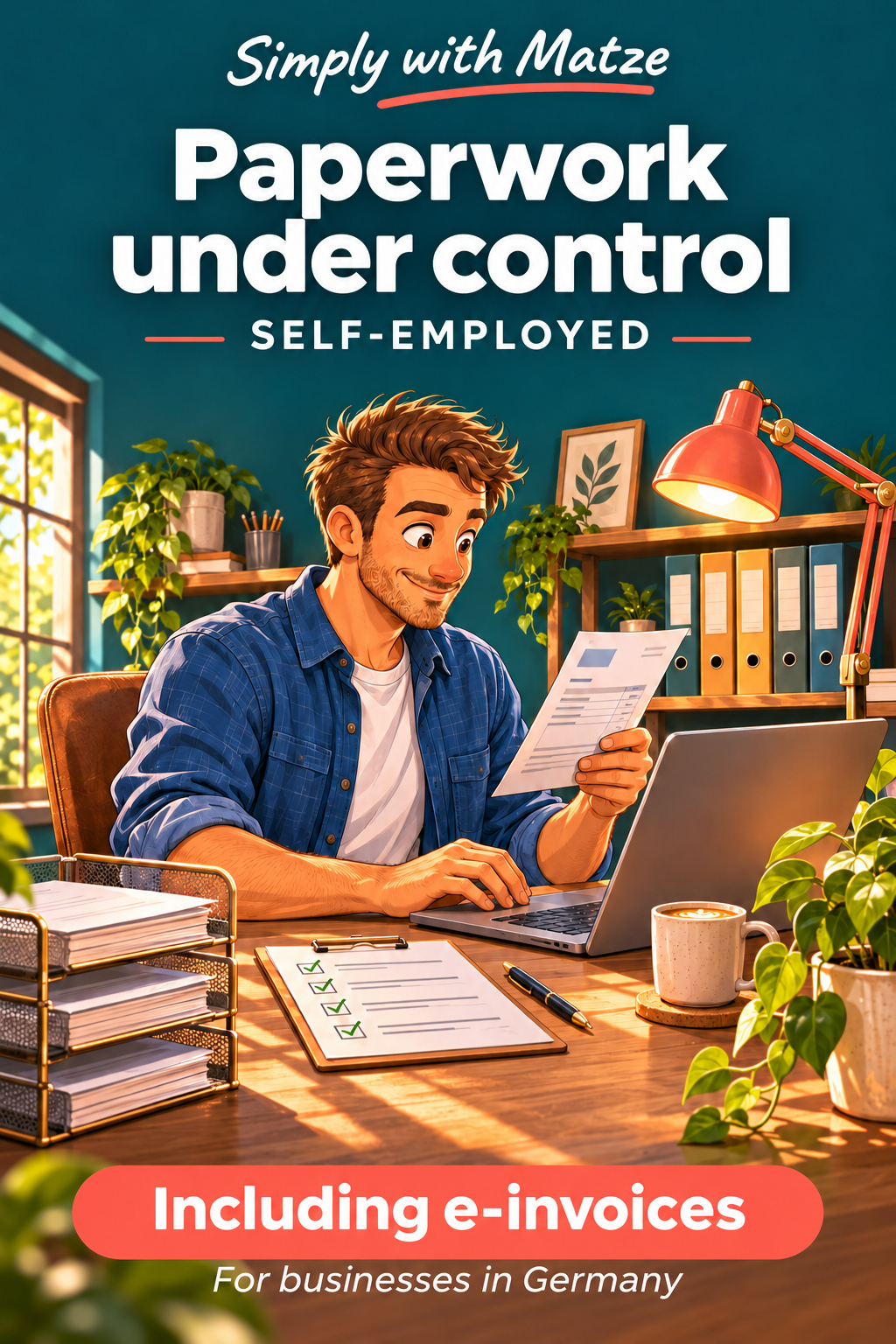
Paperwork under control – Self-employed
Simply with Matze
Paperwork under control – Self-employed
The e-invoice has arrived. What happens next?
Set up manageable filing, check scans, record actions and test a restore. Also process four invoice cases and document receiving through bookkeeping handover.
Secure checkout via Digistore24 · ZIP download after confirmed payment.
129 € · One payment · no subscription
Build your result through practice
For self-employed people operating in Germany. The business edition includes the entire home course; you do not need to buy both editions.
Practical assignments
14 lessons with examples, assignments, model answers and review criteria.
14 templates
Start from completed examples and adapt editable templates to your situation.
Test a real restore
Practise restoring a test file. A “backed up” tick box alone is not enough.
What you receive
PDF coursebook, fillable PDF workbook, offline lessons, workshop with export/import, editable text templates, folder structure and ten fictional PDF practice documents.
Written self-study course with coursebook, fillable PDF workbook, offline lessons and editable templates. No videos, live sessions, individual assessment or software licences.
Your learning path
01 · Take control of incoming paperwork
Triage ten course or test documents. Record at least two actions and one clarification case.
All ten documents have a status. Every action has a date. No original was deleted.
02 · Build a filing structure you will actually use
Assign eight document types. Explain your choice for two ambiguous cases.
Each document has one master location. Categories are understandable and access is intentional.
03 · File names and reliable search
Rename five test files. Give another person only the sender or reference and check whether they can locate the file.
Five files were retrieved. Extensions remain correct. The naming rule is written down.
04 · Scan and check the result
Produce a complete scan and fill the quality checklist. Describe one deliberately introduced error and how you corrected it.
All pages included. Two values compared. Search tested. Original retained.
05 · Deadlines, contracts and next actions
Create an action chain for the case: review, send and check confirmation.
Action deadline and reminder are separate. Uncertain dates are marked unresolved.
06 · Backup and a real restore test
Perform and document a restore test. If you cannot restore, mark the system as not yet ready.
Restore succeeded, no working file overwritten, next test scheduled.
07 · Decide access and original retention deliberately
Create an access matrix and identify three originals you will retain for now.
Sharing reviewed. No credentials in the register. No uncertain originals destroyed.
08 · Make the system work every week
Complete the final project log. Record one failed step, its cause and a specific change.
Ten documents processed, three retrieved, one file restored and two follow-up sessions scheduled.
09 · E-invoices: define your German business use case
Write three resolved and two open questions. Do not assume the answer solely from business size.
German scope clear, sources dated, open questions recorded.
10 · Receiving, responsibility and the original file
Process case cards A and B in the invoice register. Flag the possible duplicate and explain why.
Receipt tested, original unchanged, duplicate review completed.
11 · Visualise and review the business facts
Complete the review checklist. Distinguish technical issues, business discrepancies and missing approval.
Display successful, values compared, discrepancy clearly documented.
12 · Errors, corrections and payment approval
For three cases, record the next permitted step and the evidence needed.
No unresolved payment approved. Correction and original remain linked.
13 · Archiving and bookkeeping handover
Prepare a handover log and a list of unresolved archiving questions.
Counts reconciled, original reopened, handover receipt recorded.
14 · Your first complete invoice workflow
Mark every completion criterion passed or open. Give each open item a next step and owner.
Four traceable cases, originals preserved, handover and restore checked, open questions identified.
Free sample lesson: file names
A useful name answers when, who, what and which reference. Try YYYY-MM-DD_Sender_DocumentType_Reference.pdf. Use the document date; if it is missing, record your fallback rule. Keep names short and avoid characters that cause problems across systems. Do not expose sensitive information unnecessarily in names, which may appear in previews. Preserve the file extension when renaming. Changing .xml to .pdf does not convert the file. Searchability also comes from text recognition and a small index, not ever longer file names.
Worked example
Scan_0047.pdf becomes 2026-11-03_WorkshopNorth_Invoice_R104.pdf. A corrected document gets its own identifier; keep the earlier file.
Your assignment
Rename five test files. Give another person only the sender or reference and check whether they can locate the file.
Model answer
If retrieval fails, add a stable identifier or standardise sender names. Avoid final_new_reallyfinal. Version suffixes help with your own drafts; they are not a reason to overwrite received originals.
Is this course for you?
For self-employed people operating in Germany. The business edition includes the entire home course; you do not need to buy both editions.
Computer with a current browser, PDF reader, ZIP extraction and your own storage/backup option. Phone or scanner for scanning; internet for external sources and the e-invoice viewer. The course installs no software.
You want to work through written instructions and implement the steps yourself. This is not a done-for-you filing service, personal tax advice or a certified archive.
Before you buy
Extract the complete ZIP. Open index.html in a browser or Coursebook.pdf. Allow roughly 25–45 minutes per lesson plus your own practice. Attempt the assignment before opening the model answer. Export entries before closing; there is no automatic saving.
The business edition covers German e-invoicing, including in English. Legal explanations dated 7 Nov 2026. No individual legal or tax advice; these templates do not certify GoBD-compliant archiving.
Unconditional 60-day money-back guarantee from your first payment, including business customers. Request a full refund using the support link in your Digistore24 order confirmation or email info@einfachhaltbar.de with your order number. No reason or proof of results is required. Downloading or using the materials does not remove this guarantee. Your statutory rights remain unaffected.
ZIP download through Digistore24 after confirmed payment. Payment is processed by Digistore24.com. Final price and applicable taxes are shown at checkout.
For your own personal and business use. No redistribution or resale. Matze is an illustrated guide; all course cases are fictional. Third-party services and software are not included.
Delivery questions: info@einfachhaltbar.de
Secure checkout via Digistore24 · ZIP download after confirmed payment.
© 2026 Michael Arndt · Matze is a fictional illustrated guide.